Dash Bootstrap Templates
One of the cool features in the newly released Dash Labs is the option to generate Bootstrap themed figure templates at runtime when you use certain layout templates. It creates Plotly figure templates that have colorways, background colors and fonts based on your selected Bootstrap theme.
dash-bootstrap-templates is a new library of templates created based on the algorithms used in Dash Labs. It provides a template for each of the 22 Bootstrap/Bootswatch themes available in the Dash Bootstrap Components Library.
So, now you can use Bootstrap-themed Plotly figure templates in your current Dash apps by adding just 2 lines of code. 
Give it a try!
pip install dash-bootstrap-templates
See the quickstart app below.
Demo Apps
In this app (code here), the graph on the left uses a Bootstrap figure template. The graph on the right uses the 'plotly' default figure template.
Dash Bootstrap Template Compared To Plotly Default Template
Cyborg Theme
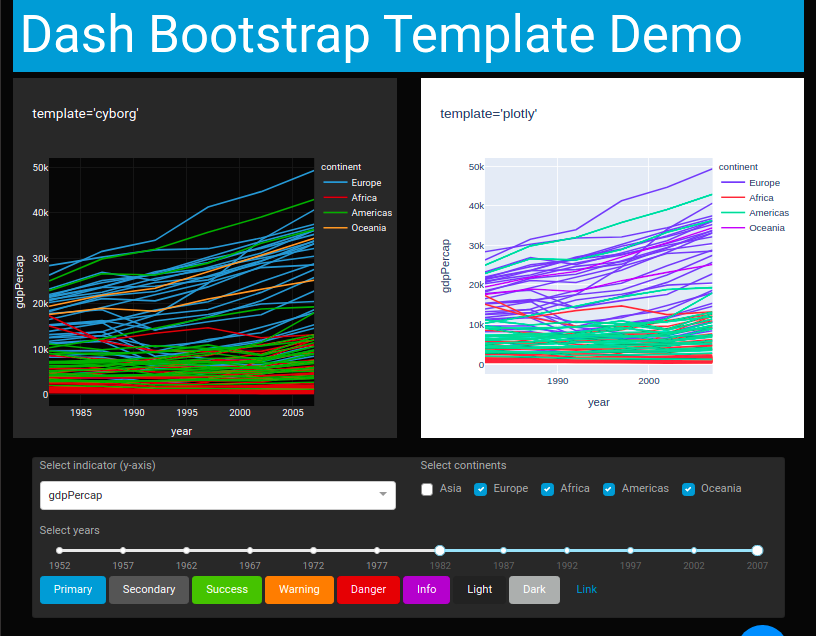
See more examples of these templates used in a Dash v1.20.0 app here. See more examples in a Dash Labs app here.
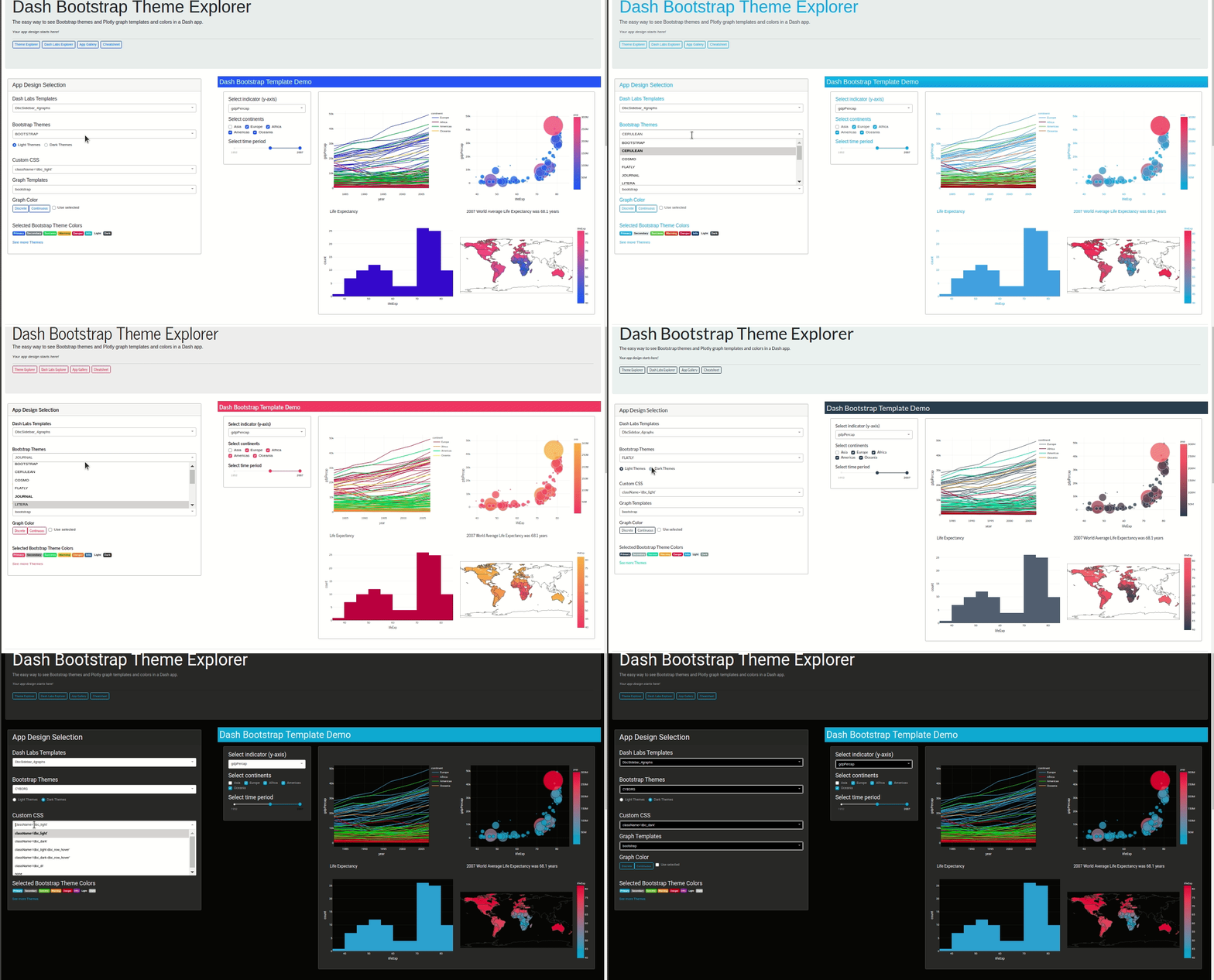
Quickstart
pip install dash-bootstrap-templates
import dash
import dash_core_components as dcc
import dash_html_components as html
import plotly.express as px
import dash_bootstrap_components as dbc

from dash_bootstrap_templates import load_figure_template

app = dash.Dash(__name__, external_stylesheets=[dbc.themes.BOOTSTRAP])
load_figure_template("bootstrap")


df = px.data.gapminder().query("continent != 'Asia'")  # remove Asia for visibility
fig = px.line(df, x="year", y="lifeExp", color="continent", line_group="country")


app.layout = dbc.Container(
    [
        html.H1("Dash Bootstrap Template Demo", className="bg-primary text-white p-2"),
        dbc.Row(dbc.Col(dcc.Graph(figure=fig))),
    ],
    fluid=True,
)

if __name__ == "__main__":
    app.run_server(debug=True)
Available Themes
This library provides a figure template for the following Bootstrap/Bootswatch themes:
valid_themes = [
“bootstrap”,
“cerulean”,
“cosmo”,
“flatly”,
“journal”,
“litera”,
“lumen”,
“lux”,
“materia”,
“minty”,
“pulse”,
“sandstone”,
“simplex”,
“sketchy”,
“spacelab”,
“united”,
“yeti”,
“cyborg”,
“darkly”,
“slate”,
“solar”,
“superhero”,
]
Contributors
Special thanks to @tcbegley for the pull request to publish this library to PyPI
1 post - 1 participant